



Pricing

AI Video Generator

One prompt in. Launch-ready video out.

The AI video maker with every blockbuster model inside — Seedance, Veo 3.1, Kling 3.0 and more. Type it, attach it, generate it. Pay per render, start free.

Made with OpenClips

A lone figure walks through a neon-lit alley in the rain, cinematic, shallow depth of field

SEEDANCE 2.5

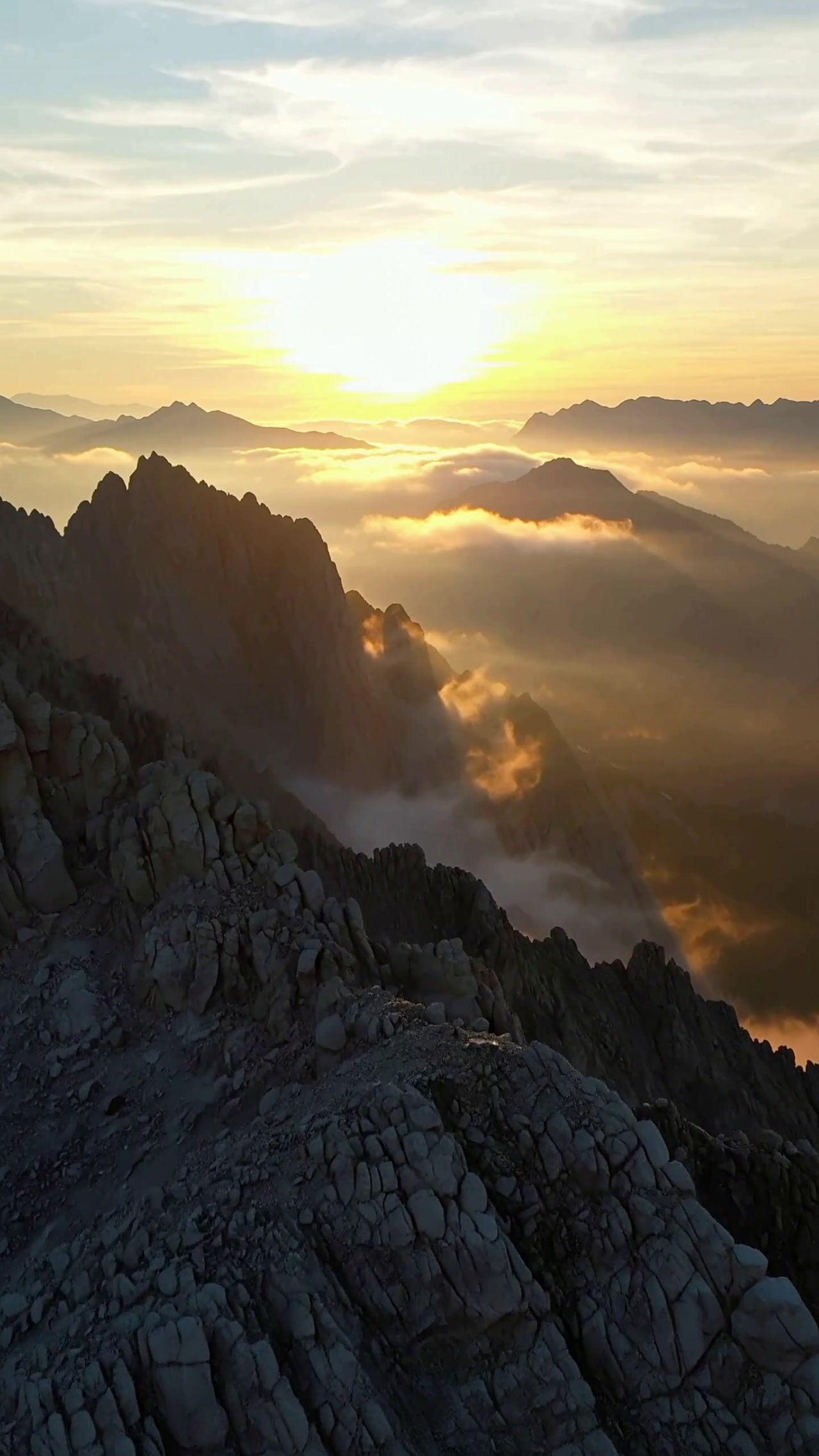
Fifteen-second brand anthem: dawn over the city, logo forms from light trails

VEO 3.1

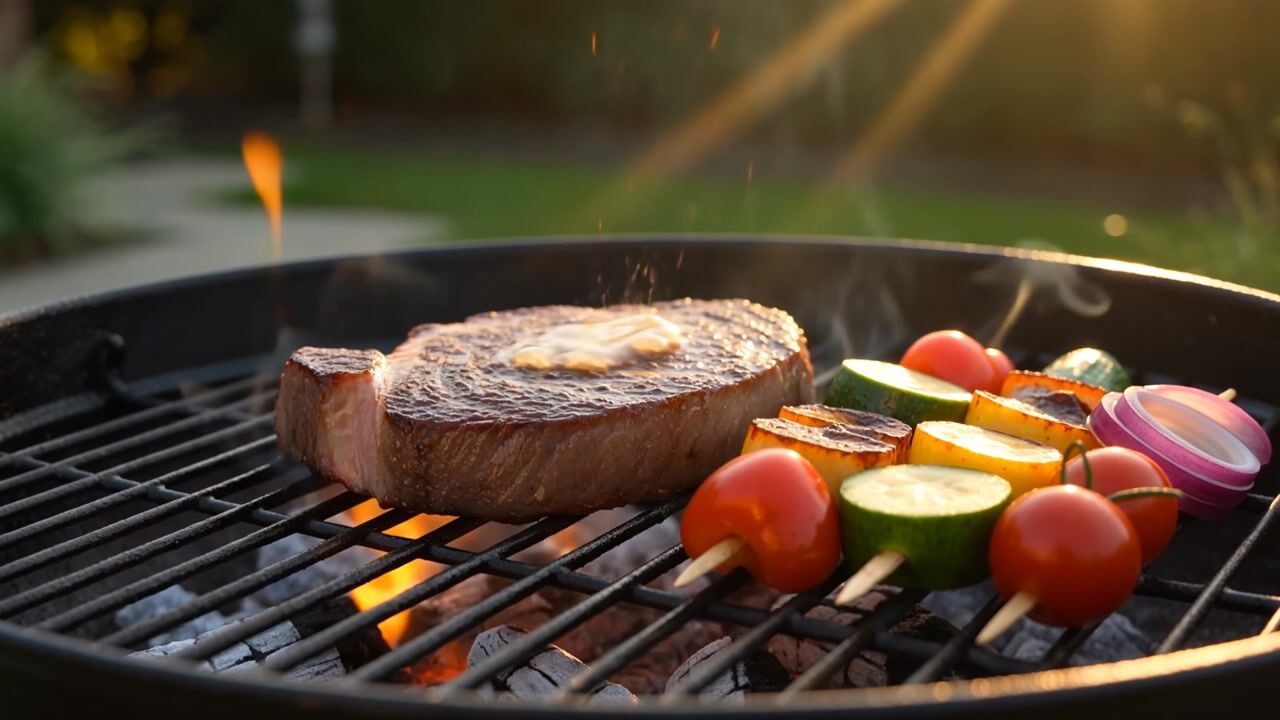
Extreme macro: espresso crema swirling, steam catching golden light

MINIMAX H3

Pick your weapon

Three steps to final cut

01

Direct it your way

Write a prompt, attach a product, avatar or reference image, choose aspect, duration and resolution. The composer adapts to each model's strengths.

02

Cast your model

Seedance for control, Veo for sound, Kling for motion, Hailuo for drafts. Run the same prompt across models and keep the best take.

03

Launch everywhere

Download in 16:9, 9:16 or 1:1, publish to the community, or share a link that lets anyone remix your clip.

The exact price is on the Generate button

Every render shows its cost upfront. No surprises, no subscription traps — credits work across every model.

The AI video generator that doesn't lock you into one model

Every AI video maker on the market has the same hidden flaw: one model, one style, one failure mode. When the model can't do hands, or won't follow your camera move, you start over on another platform — new subscription, new wallet, new prompt dialect. OpenClips.AI was built to end that shuffle. 15 live model families — Seedance, Veo, Kling, Hailuo, Runway, Grok Imagine and more — sit behind one composer. You write the prompt once; you cast the model per shot.

What you can make with it

Creators use it for B-roll, intros, effects and whole narrative clips — the community feed is full of real examples with their prompts attached. Marketers use Launch-Ready formats: UGC testimonials, product heroes, before/afters and brand anthems rendered in 15 or 30 seconds, sized for every placement, for the price of a coffee instead of a production crew. Founders and small teams use it to ship ad variations weekly — test ten hooks, keep the two that convert. And filmmakers use it for pre-viz, style frames and pitches that used to cost days.

How the pricing actually works

No subscription trap, no hidden metering. After a free sign-in, every render shows its exact credit price on the Generate button before you commit — and the public rate card lives on /pricing. Credits come from monthly plans or pay-as-you-go packs from $10/1,000⚡, and the same wallet works for every model, every format, every effect. One source of truth: /pricing, the Generate button, checkout.

Free to start, honest about it

"Free AI video generator" usually means watermarked, throttled, or a demo. Our version: a one-time 50⚡ grant on signup, usable on the starter image models (Seedream 4.0 is the free-tier pick), no card required. Video models are premium because compute is real — but composing is always free. Write your prompt, attach references, tune every setting, and only press Generate when the shot is right. The sign-up wall fires only at that moment, and your work is preserved through it.

Why multi-model is the only future-proof choice

The model leaderboard reshuffles monthly. If your workflow is married to one vendor, every reshuffle is a crisis; if it runs on OpenClips, every reshuffle is an upgrade — the new model simply appears in your composer, often before the hype peaks. Learn the craft of directing AI video once, and let the roster keep getting better underneath you. That's the bet we made, and it's the reason this page lists real prices for the whole roster instead of promising you one magic model.

Frequently asked questions

An AI video generator turns text prompts, images or references into finished video clips using generative models. OpenClips.AI is a multi-model AI video generator: instead of one in-house model, you get Seedance, Veo 3.1, Kling 3.0, Hailuo and more behind a single composer, paying per render with one credit wallet.

Free to try, honestly. New accounts get a one-time 50⚡ grant usable on the starter image models (Seedream 4.0 is the free-tier pick). Video models are premium; after sign-in, the exact price shows on the Generate button before a render starts. No card required to start.

There is no single best — there is best per shot. Seedance 2.5 leads on controllability, Veo 3.1 on native audio, Kling 3.0 on image-to-video, Happy Horse on character consistency. OpenClips exists so you can run one prompt across all of them and keep the winner.

Yes. Export in 9:16, 16:9 or 1:1, from 5 to 30 seconds, up to 4K on paid plans. Launch-Ready formats produce UGC ads sized for every placement. Paid plans include a commercial license.

No. The composer replaces the timeline: you direct with prompts and references, then iterate with follow-ups like 'make it night' or 'cut to 9:16'. If you can describe the shot, you can make the shot.

5, 10 and 15-second base renders (extendable via the Extend skill), at 720p, 1080p and 4K depending on model and plan. Launch-Ready ad formats render 15s and 30s versions.

Keep creating

Roll your first scene tonight

Free to compose. 50⚡ on signup. Your first render is minutes away.

Start generating free